
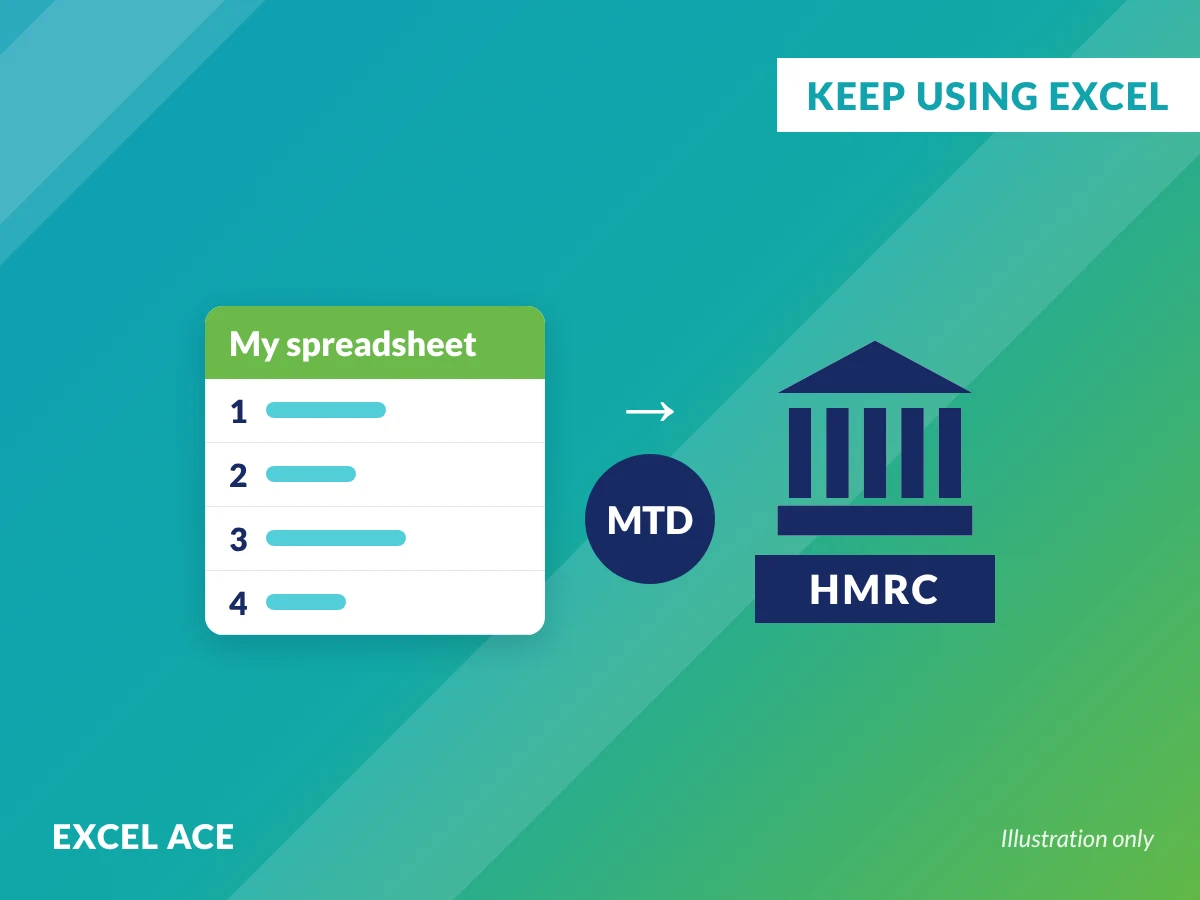
You can keep using Excel for Making Tax Digital. My bookkeeping models are properly built Excel spreadsheets that prepare your quarterly figures for bridging software to send to HMRC.
- Microsoft Excel MVP
- AAT qualified
- part CIMA qualified
- Excel Ace since 2008
- one off price
Yes, you can use Excel for Making Tax Digital
HMRC’s guidance is clear: if you use spreadsheets for your records, you can continue to use them, but you’ll need software that links to them for the submission, usually called bridging software. What matters is that your figures are calculated in the spreadsheet and flow through digitally, not retyped by hand.
Read more in why you can still use Excel for Making Tax Digital.
Why a ready built MTD spreadsheet beats a homemade one
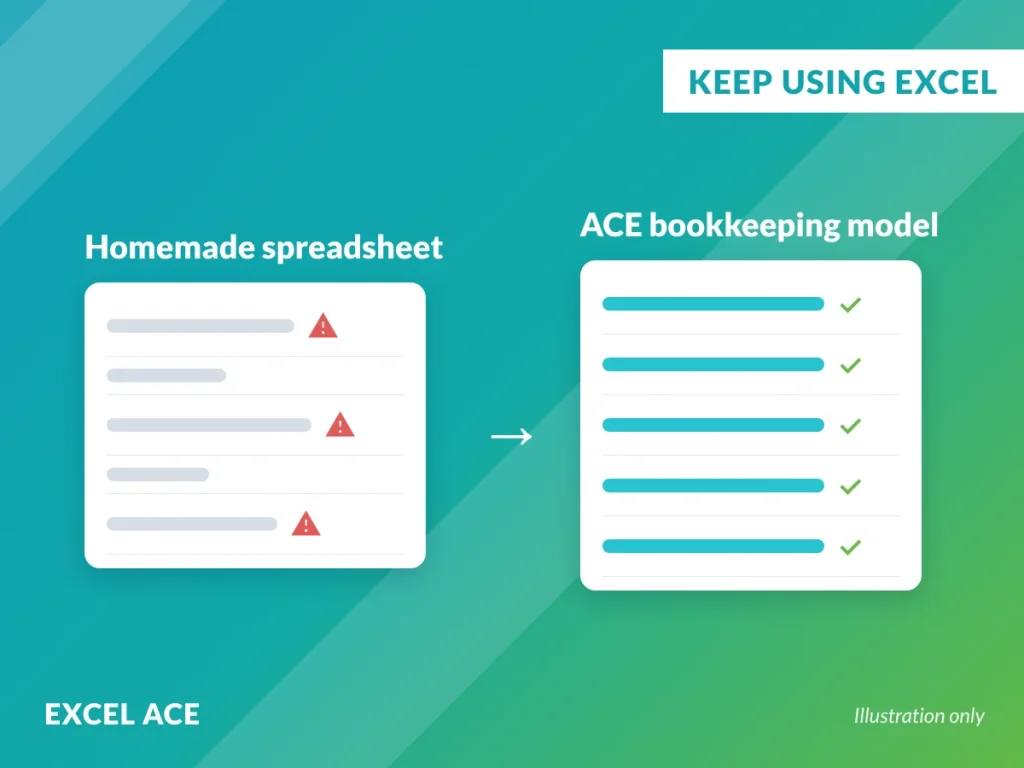
A homemade sheet is only as good as its weakest formula. A total that stops at row 100, a category typed three different ways, an accidental overwrite, and the figures go quietly wrong. The bookkeeping models are built on structured formulas that include every row, with the structure locked and hidden so it can’t be broken.
How it works
1. Enter income and expenses in your bookkeeping model.
2. The model totals your quarterly figures automatically.
3. You upload to your bridging software then it submits to HMRC.
You never retype a number.
Choose your bookkeeping spreadsheet
ACE Essentials (£249 + VAT): income and expenses, invoices, profit and loss, tax estimate, trial balance, quarterly figures.
ACE Professional (£449 + VAT): plus bank reconciliation for up to three accounts and a stronger audit trail.
ACE Complete (£699 + VAT): plus VAT return preparation, an interactive dashboard and management reporting.
£249.00
ACE Essentials provides everything you need to manage your bookkeeping in Excel whilst helping you prepare for Making Tax Digital (MTD).
£449.00
ACE Professional builds on the functionality of ACE Essentials by introducing powerful bank reconciliation features to help improve the accuracy of your bookkeeping.
£699.00
ACE Complete is our most comprehensive bookkeeping solution, providing everything included in ACE Professional together with advanced reporting, business dashboards and VAT functionality.


Built by a Microsoft Excel MVP
I’ve spent my career in accountancy and spreadsheets, I’ve run Excel Ace since 2008, and in 2025 I received a Microsoft Excel MVP award. One of my clients has been using my bookkeeping model for over 15 years.
What my customers say
What my customers say
I did the mini Excel course with Traci - 20 mins a day for 5 days. Traci can squeeze so much into 20 mins, it helps that she talks fast! I was familiar with most of the areas that we covered but there were still lots of little tips that I picked up. Traci has a genuine excitement about all things Excel and her enthusiasm is infectious. I'd recommend her courses to anyone looking to upskill.
Traci is amazing!!
She helped me to add formulas to a huge spreadsheet I’ve designed to use in my NHS job.
In 30 minutes the spreadsheet was transformed into a useable, time saving and accurate piece of work.
I’m very grateful for her help.
Traci is approachable, kind and knows her stuff.
I recommend her to anyone struggling with anything in Excel. She is patient - she needed to be with me, taking her time to explain and ensure I understood.
Thanks again Traci 🥰
The 5-day 20 minute sessions were very informative and easy to follow.
I have recently been on Traci's Beginner, Intermediate and Advanced Excel Workshops. I didn't know spreadsheets could be so much fun and you could do so much with them, once you have got your head around one. Tracie makes working with a spreadsheet a joy instead of a task. Her cheerful approach and easy-going manner are both professional and a breath of fresh air.
I had several absolutely excellent Excel intermediate and advanced sessions with Traci. She is extremely knowledgeable and makes the sessions fun and interactive ~ both face to face and virtual. I would definitely recommend Traci if you need some Excel training ~ she's excellent!
Traci was excellent in her Basic Excel workshops - she was really patient and made a scary subject feel really easy! This was such a valuable course which I would recommend anyone to try.
Traci at Excel Ace really knows her stuff, I've been using an amazing spreadsheet daily that she designed many many years ago to keep track of the workshops we are delivering and all the finances and forecasting. I couldn't recommend her services highly enough, she is just fantastic and so helpful also.
Traci has been training a number of our staff via zoom over the past few weeks, and everyone has greatly benefited from her encyclopaedic knowledge of all things excel. Very approachable and bubbly, she makes what could be a very dry subject, easy and fun.
Traci has done several sessions of training for me and my staff at Bevie. Whilst remaining absolutely professional has brought a fresh lease of life to excel and the great training has allowed the team to big great things and make better use of their days. Thanks Traci!
I took part in Traci's advanced Excel workship and found her insights into spreadsheets very accessible and time saving. Would definitely recommend!
Tracie Williams is a master in her field. definitely recommend if you are looking to upskill your Excel Knowledge.
I loved the training, super engaging and fun! Traci is a lovely person to host the sessions.
Tracy’s courses are A ‘must do’ for all Excel users of all standards. First class!
Really enjoyed Traci’s teaching style, relaxed and informal, yet very knowledgeable. Would definitely recommend.
Traci is enthusiastic and always willing to help. Just don't get her on the subject of 'Index and Match'
Couldn't recommend highly enough, very helpful and showed great understanding of our processes to create a dynamic solution. Thank you
Very informative ,professional brilliantly set out I am looking forward to next sessions.
Brilliant service, would highly recommend to anyone
Frequently asked questions
Yes. HMRC allows spreadsheets for record keeping. You’ll need HMRC compatible bridging software to send your quarterly updates and final return, and your figures must flow digitally rather than being retyped.
One that keeps your digital records and produces the totals HMRC needs, which bridging software can read and submit without anyone retyping them. The bookkeeping models are built for exactly that.
Software that links your spreadsheet to HMRC. It reads the figures from your spreadsheet and submits them. Your bookkeeping stays in Excel.
The bookkeeping models are designed and tested for Excel on Windows. It hasn’t been tested on a Mac, so compatibility or support for Mac users can’t be guaranteed.
You can, but it takes time to build, test and keep up to date with rule changes. The bookkeeping models give you a tested structure with locked formulas, plus an optional annual update plan.
No. The bookkeeping models prepare the figures, and HMRC compatible bridging software submits them.
The bookkeeping models work with HMRC compatible bridging software, including My Tax Digital, which is free, and paid options such as Absolute Tax. I recommend My Tax Digital for most people.
Yes, ACE Complete includes MTD compliant VAT return preparation, alongside everything for Income Tax.
Ready to get started?
Already keep your books in Excel? Book a FREE Bookkeeping Demo and I’ll show you how the bookkeeping models compare to your current spreadsheet.